A walk through everything that's inside. Five minutes, and afterwards there's nothing left to hunt for.
If you only care about one thing, jump to it — the parts don't depend on each other.
1. Signing in — no password
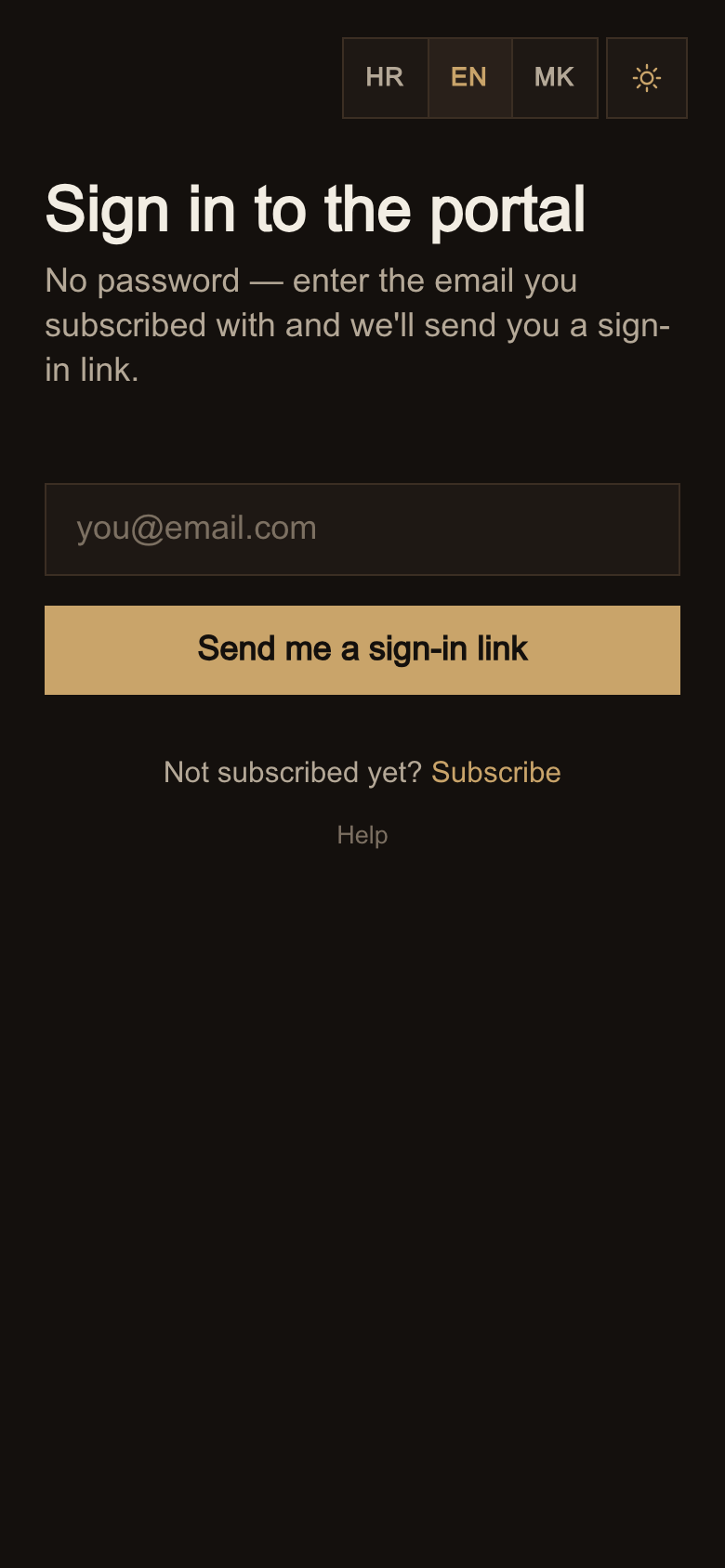
You enter your email address, click the button, and within seconds a mail arrives with a link. Click the link and you're in.
There is no password and you won't be given one. Nothing to remember, and no password anyone could steal from you.
A few things worth knowing straight away:
- A link is valid for a limited time and is used up the first time it's opened. If you need a new one, just request it again — as many times as you like.
- It has to be the same address you subscribed with; the link only ever goes there.
- If the mail doesn't arrive within a few minutes, check your spam folder, and the Promotions tab if you use Gmail.
2. Today — the one you open daily
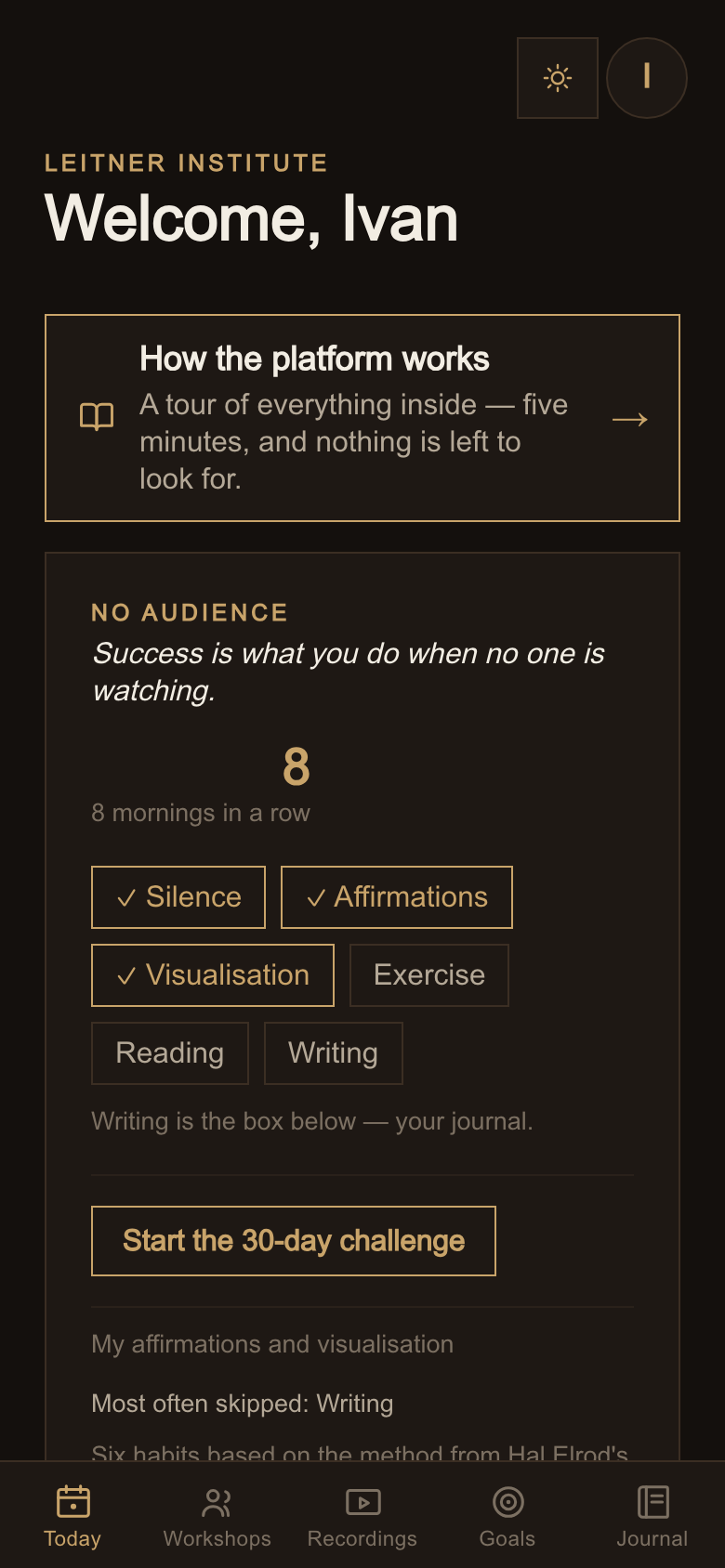
This is the first tab and the only one you really need to open each morning.
Bez publike is a morning routine of six habits. Tap the one you've done and that's it — the number above shows how many days in a row you've kept the streak. There is no leaderboard and no comparing yourself to others; the only person you're competing with is yourself from yesterday.
Below that is the task of the day — a short text and one concrete thing to do. It appears on weekday mornings. Older ones stay in the archive, so skipping a day loses you nothing.
You'll also find the newest recording here and, when there is one, a video message from me.
3. Workshops — how to join on Zoom
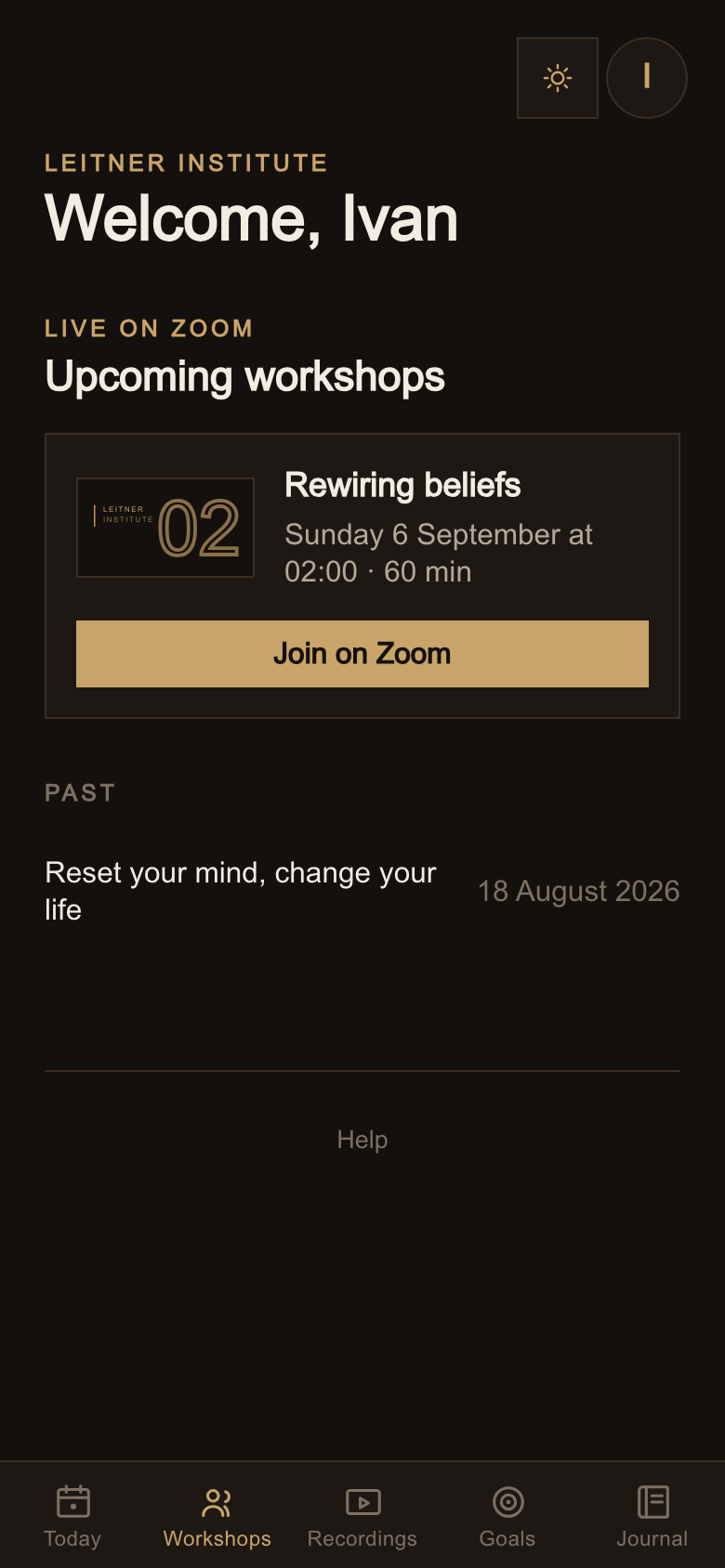
The workshop is once a week, live on Zoom. Sixty minutes are scheduled; questions at the end often run longer, and that's a bonus rather than an obligation.
The joining link is right here in the portal. Don't wait for an email invitation and don't look for the link anywhere else — open the Workshops tab and the button is there.
Each session also has a detailed description that opens on the arrow, so you can see in advance what it covers.
4. Recordings — if you missed it
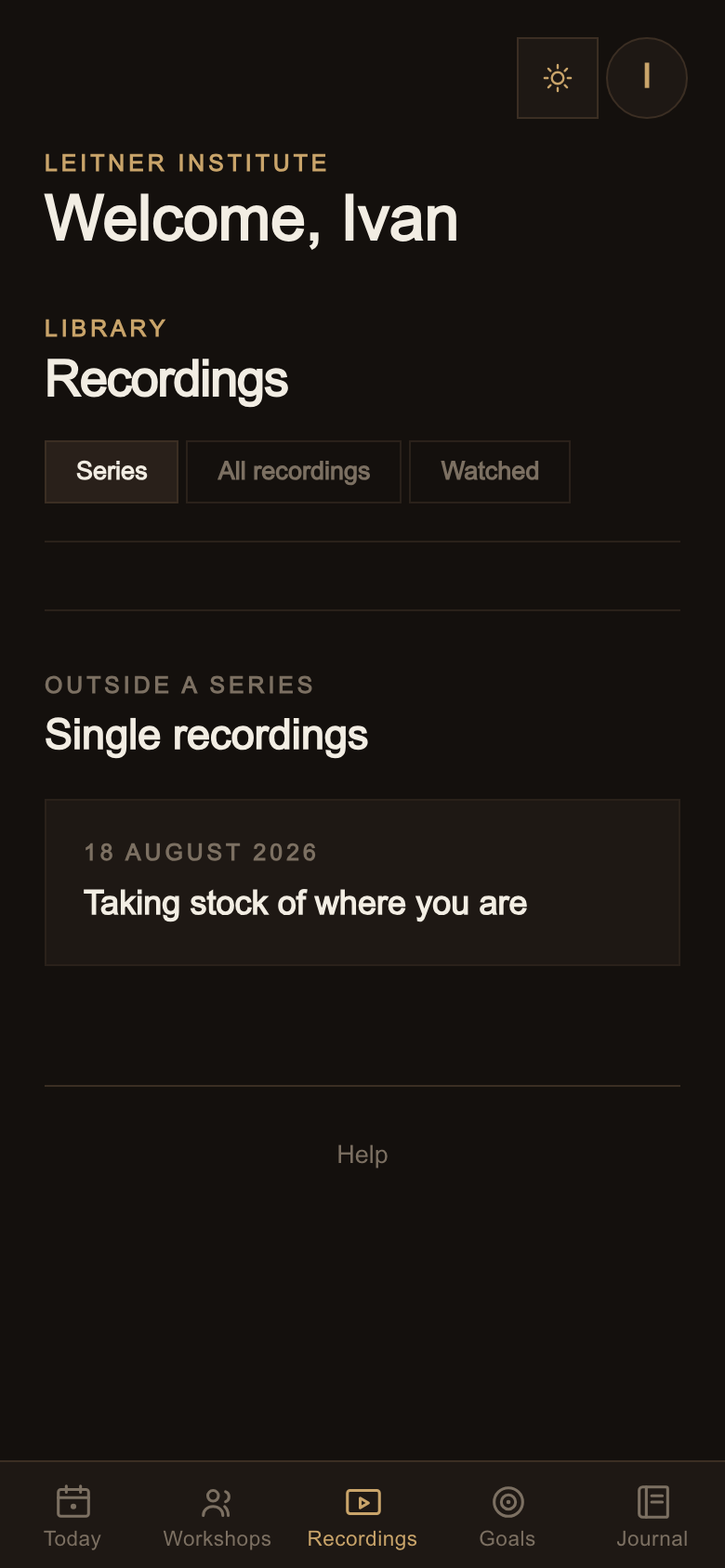
The recording of every workshop lands here, usually the same or the next day.
Every past recording stays available to you for as long as you're subscribed — not just the ones from your start date onward. If you join today, the whole library is open to you from the first minute.
A recording starts on click. It deliberately doesn't load by itself, so the tab opens fast.
5. Goals — where you are and where you want to be
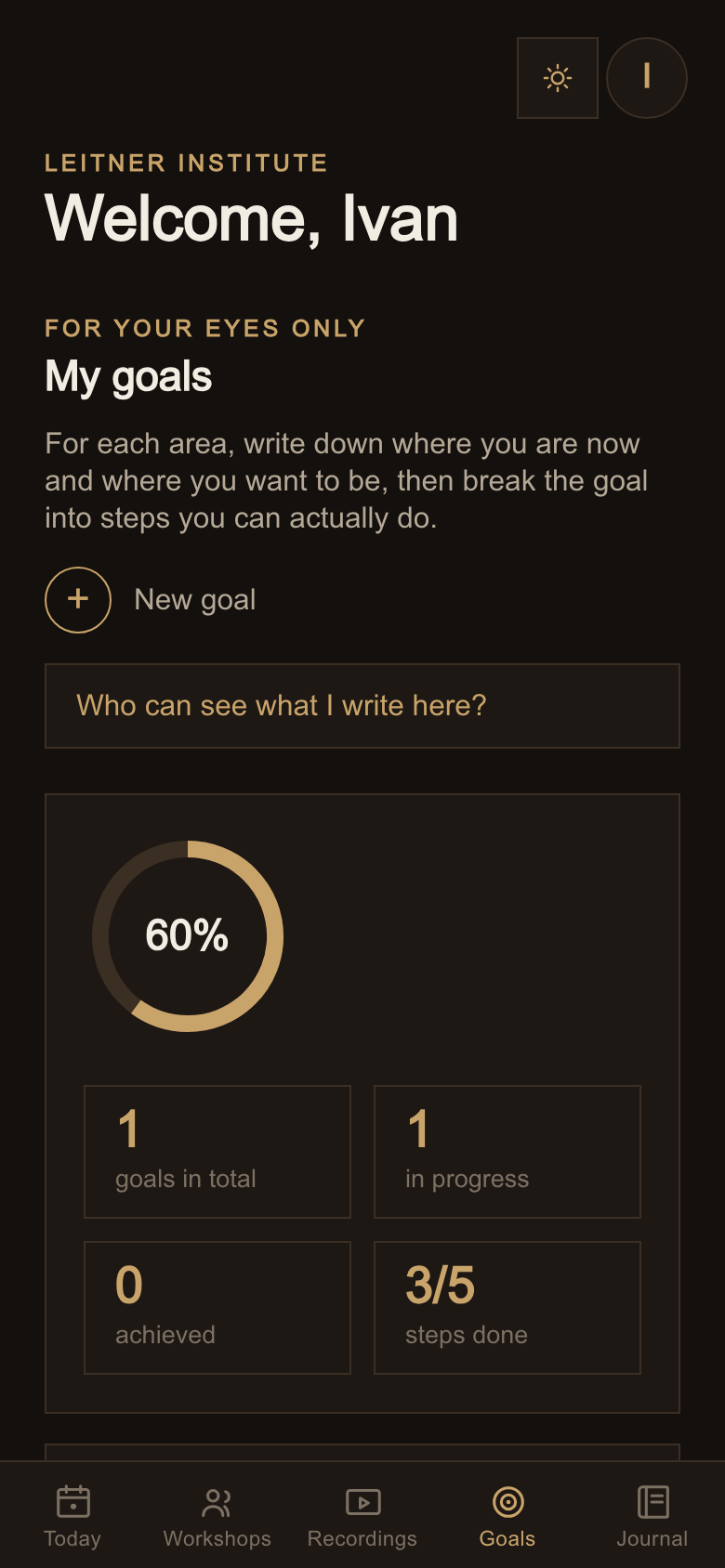
Four areas: career and money, health and energy, relationships, personal growth. The same layout as the workshop on taking stock.
For each goal you write where you are now, where you want to be and why it matters to you. That last one feels unnecessary while you write it, and it's exactly what you read on the day your motivation runs out.
You break the goal into steps. As you tick them off, progress is calculated for you. If there are no steps, you say roughly where you are yourself — 25, 50, 75 percent.
Not sure where to start? Each area comes with examples. Click one, it fills the field, then you reshape it into your own. Someone else's goal is easier to correct than your own is to invent.
Only you can see your goals. A full explanation of what that means is on the tab itself, under "Who can see what I write here?".
6. Journal — for your eyes only
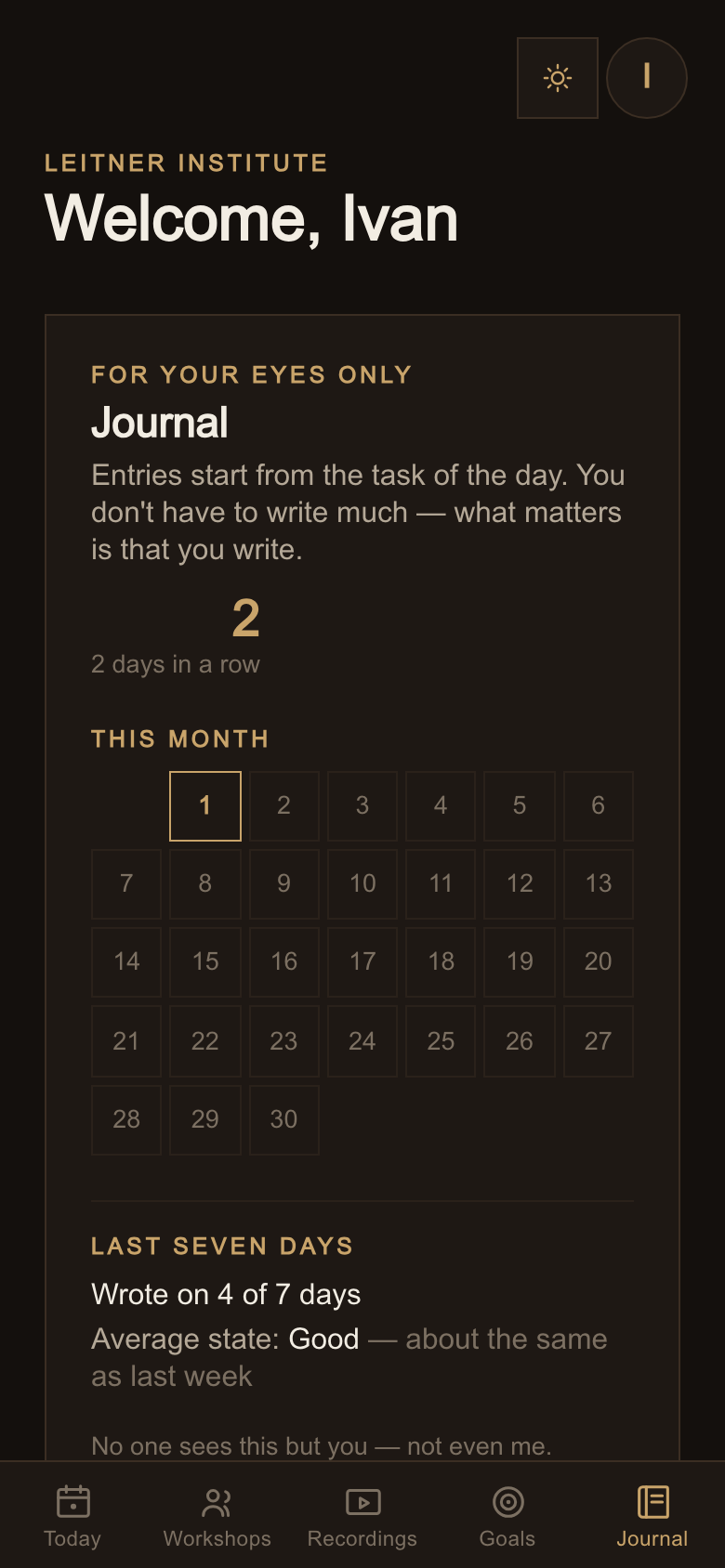
An entry most easily comes out of the task of the day, but you can write freely whenever you like.
With each entry you pick how you are that day — from “rough” to “great”. After a few weeks that turns into something you otherwise never see: a calendar of the month, an average for the last seven days, and a comparison with the week before.
After a month you also get "A month ago" — your own entry from thirty days back. That is the only honest way to see how far you've moved.
Entries are encrypted and nobody reads them, myself included. If you want a question of yours taken to the Q&A workshop, each entry has a button to send it anonymously — a copy of the text joins the queue without your name, and the original stays here untouched.
You can print the whole journal or save it as a PDF.
7. Books — we read for you
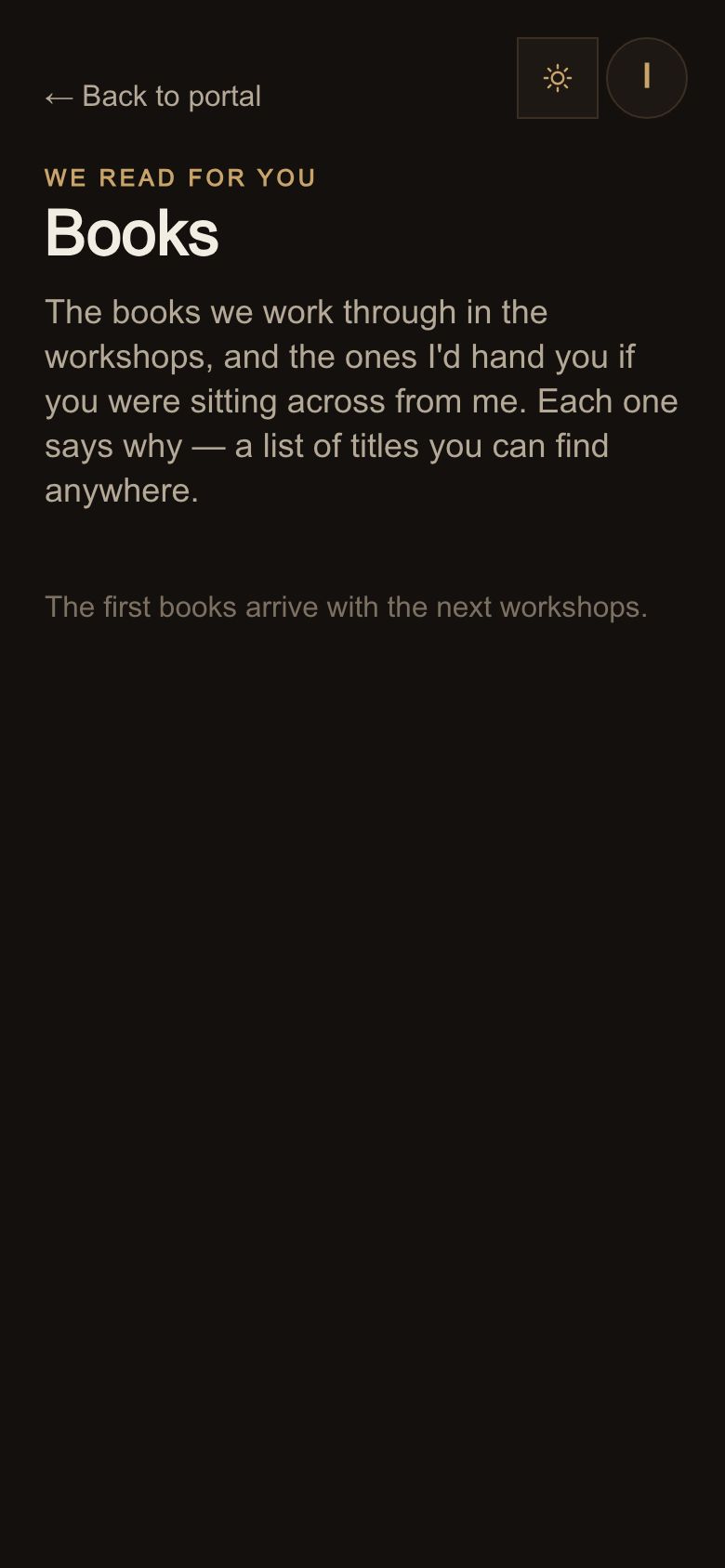
The books we work through in the workshops, and the ones I'd hand you if you were sitting across from me. Each one says why, and who it's for — a list of titles you can find anywhere.
You reach the books from the Today tab.
8. The app on your phone
The platform runs in a browser, but it can sit on your home screen like any other app — no address bar, its own icon.
iPhone: open the site in Safari, tap the share button (the square with an arrow pointing up) and choose Add to Home Screen.
Android: Chrome usually offers this by itself. If it doesn't, open the three-dot menu and look for Install app.
Once the app is on your screen, you can turn on notifications for new workshops and the daily task. You turn them off in the same place or in your phone's settings. I send nothing beyond that.
9. Your subscription
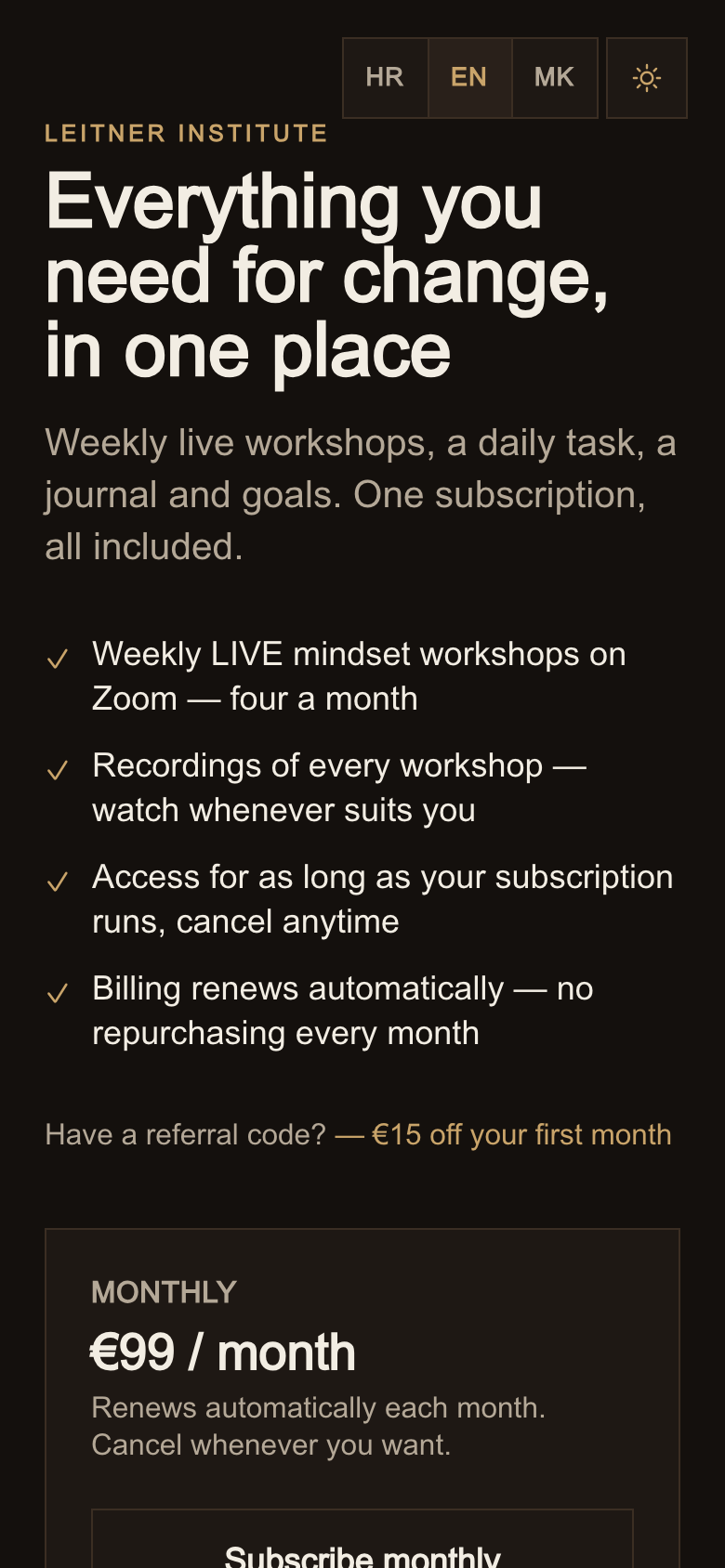
Top right in the portal there's Subscription. It opens Stripe's own page where you change your card, see your invoices or cancel — without writing to anyone.
If you cancel, your access stays until the end of the period you've paid for.
For the first 14 days there's a money-back guarantee: get in touch and I refund the full amount, no explanation needed.
Something unclear?
Have a look at the questions and answers — that's where concrete problems and fixes live. If it isn't there either, write to podrska@leitnerinstitute.com and I'll reply within one working day.